Removal Procedure
WARNING: This page is about a different car, the 2007 Saturn Relay. However, it is still accessible from the selected car via links, so may be relevant.
- Lower the DVD Screen.
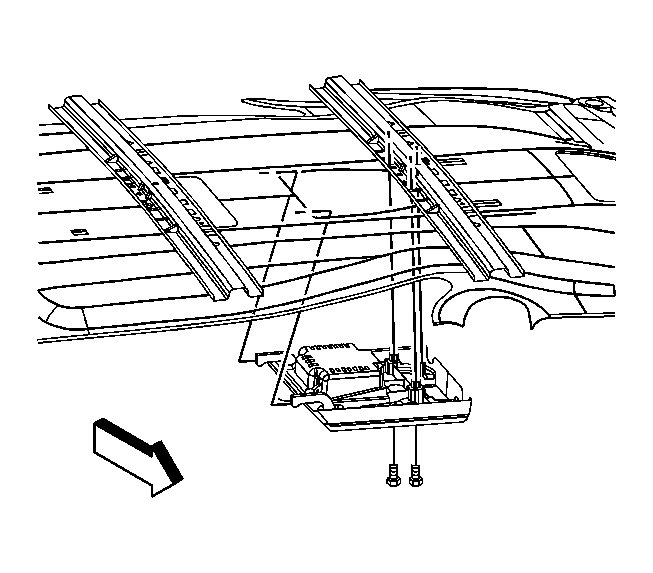 Courtesy of GENERAL MOTORS CORP.
- Remove the mounting screws from the DVD player.
- Disconnect the electrical connections.
- Remove the DVD player from the vehicle.