Removal Procedure
- Remove the SIR module. Refer to Inflatable Restraint Steering Wheel Module Replacement
in SIR.
- Remove the steering wheel. Refer to Steering Wheel Replacement .
- Remove the SIR coil. Refer to Inflatable Restraint Steering Wheel Module Coil Replacement
in SIR.
- Using a thin-bladed screwdriver, remove the lock cylinder bezel.
- Remove the shroud fasteners.
- Remove the upper and lower shrouds.
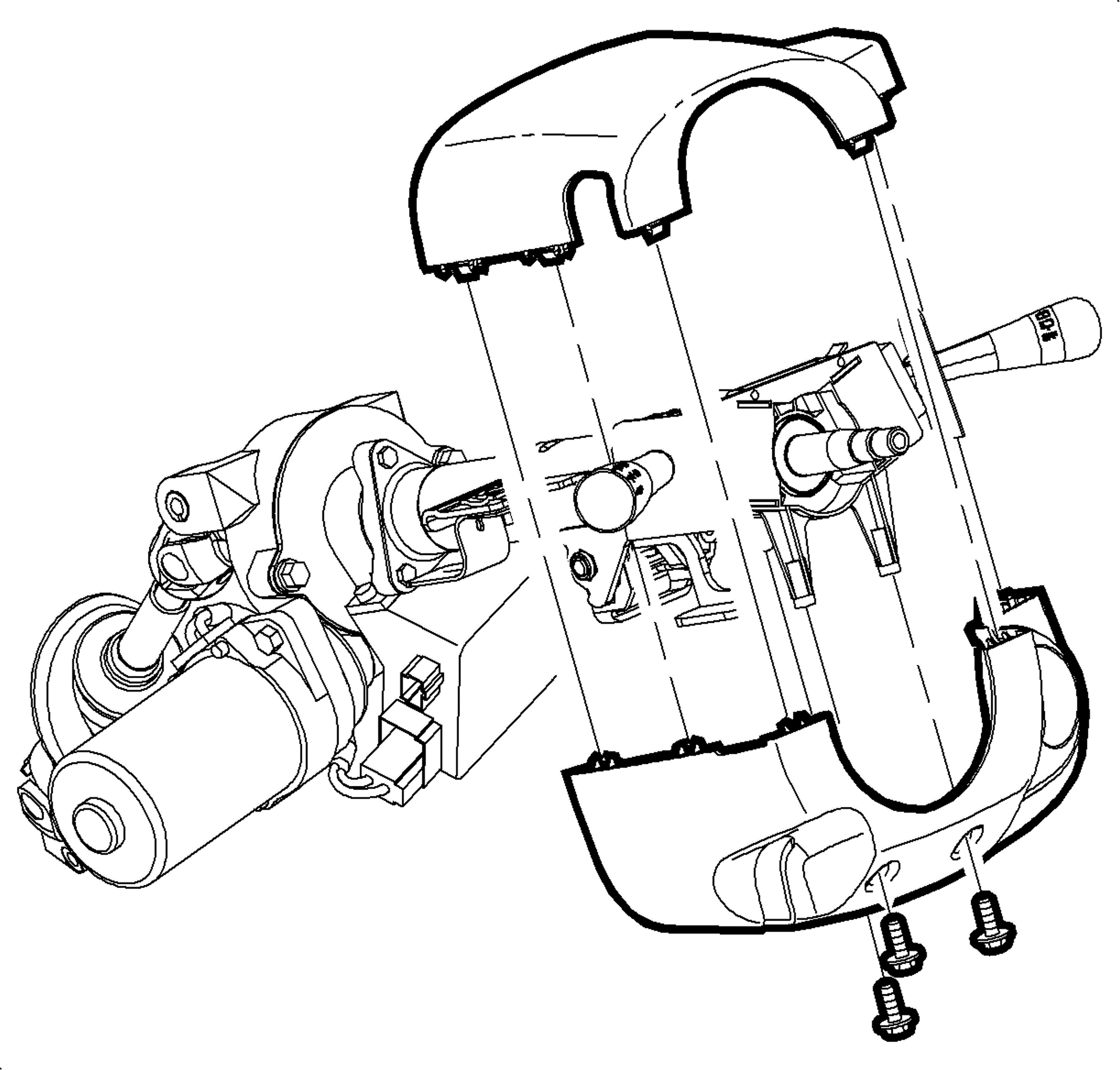 Courtesy of GENERAL MOTORS CORP.
- Depress the lock tabs on the left and right multifunction levers. Remove the multifunction levers.
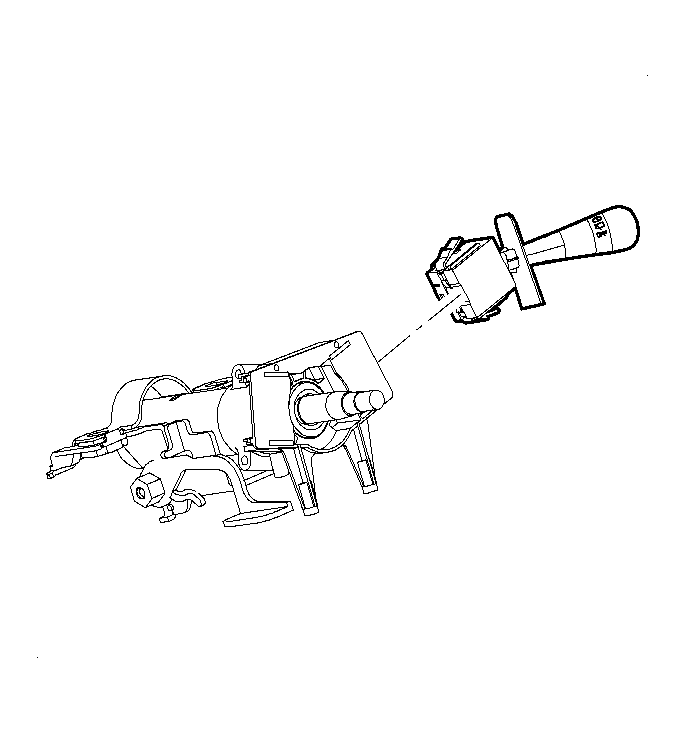 Courtesy of GENERAL MOTORS CORP.
- Disconnect the electrical housing electrical connectors.
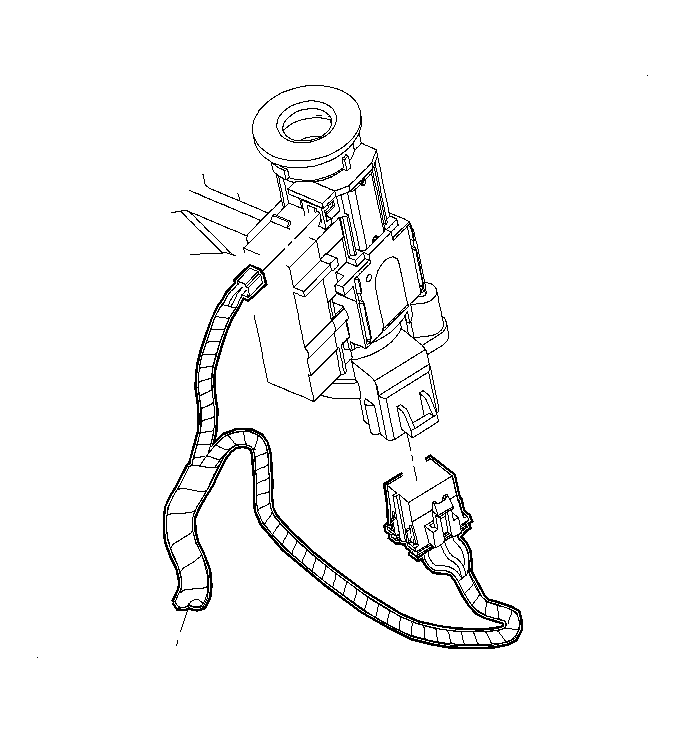 Courtesy of GENERAL MOTORS CORP.
- Disengage the retaining tabs on the park lock cable assembly. Remove the assembly from the ignition module.
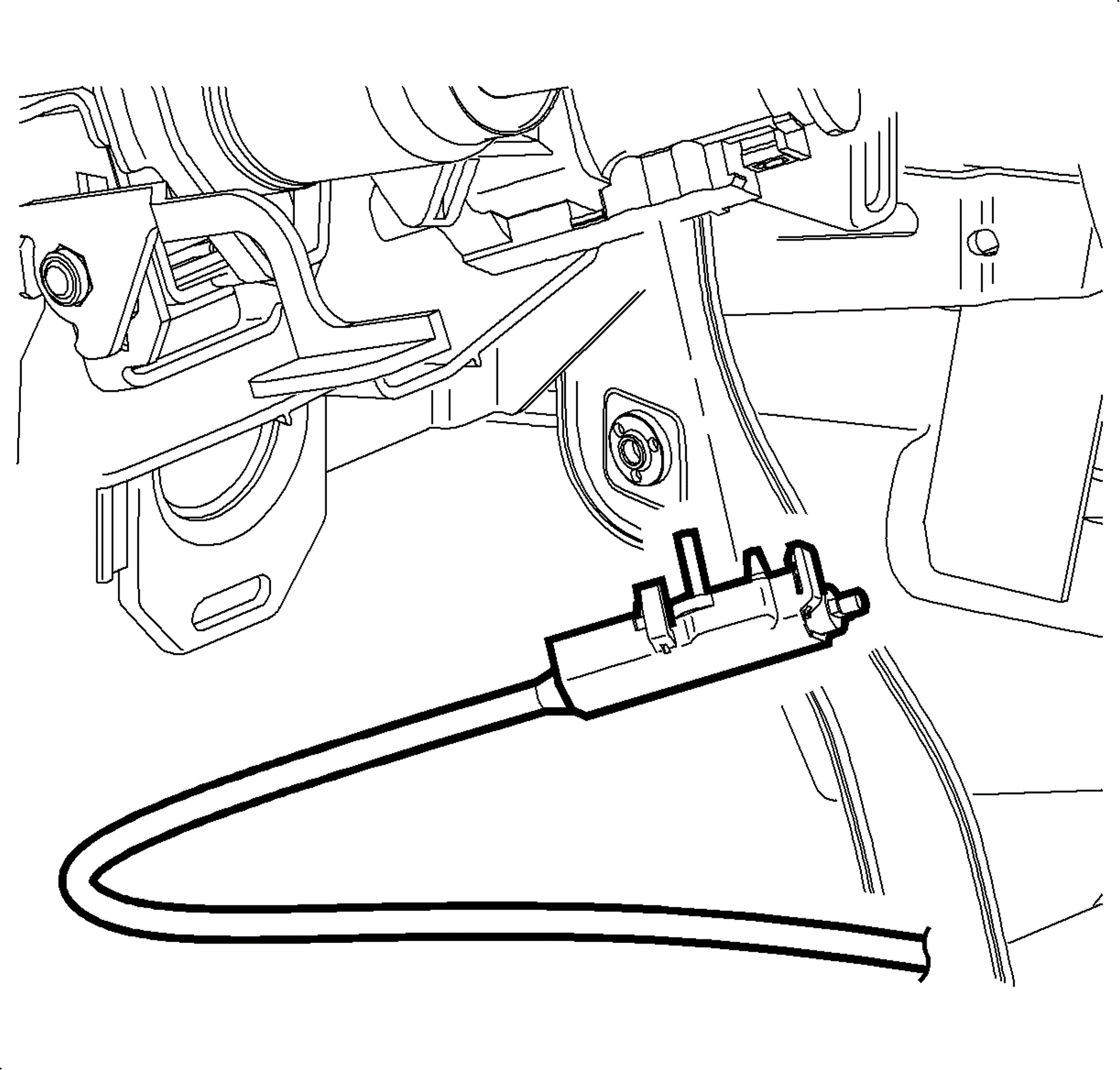 Courtesy of GENERAL MOTORS CORP.
- Remove the lock housing bolts.
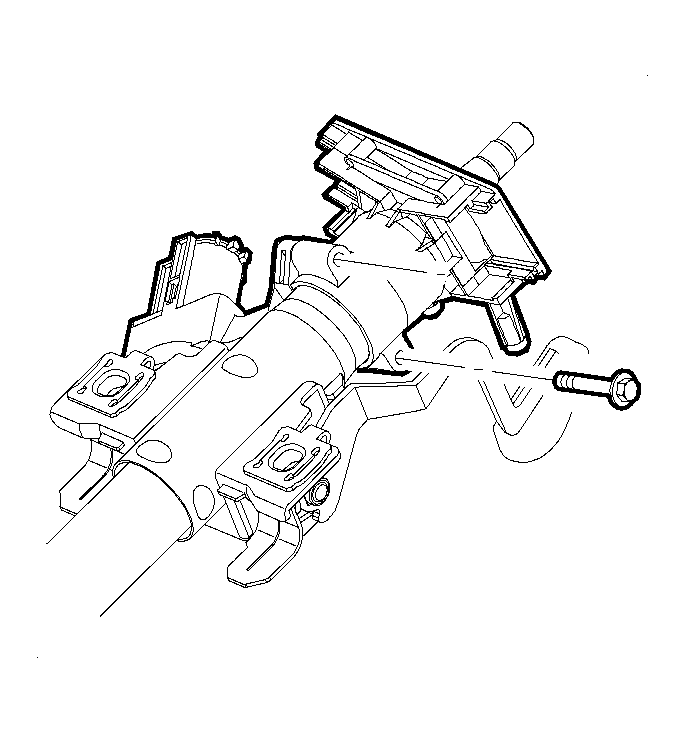 Courtesy of GENERAL MOTORS CORP.
- Turn the ignition key to the ACC position
- Separate the ignition housing from the multifunction bracket.
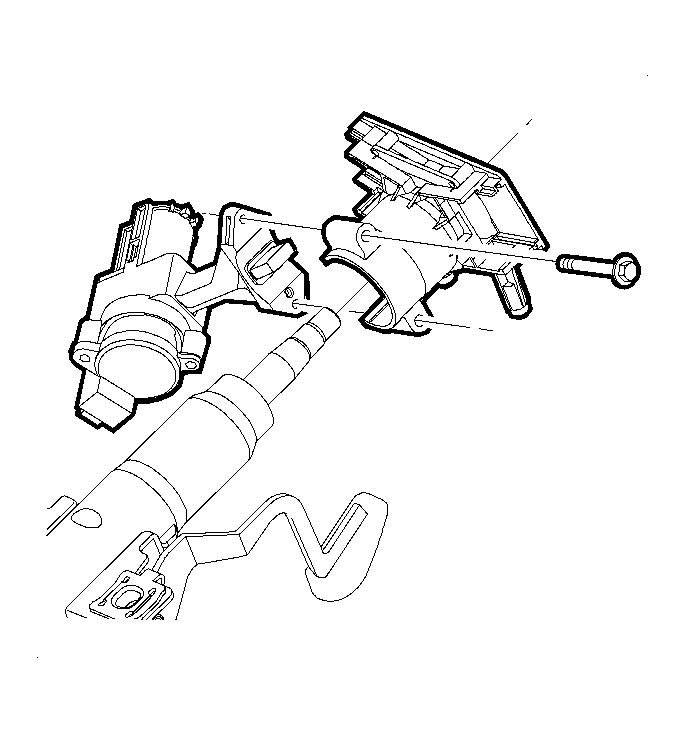 Courtesy of GENERAL MOTORS CORP.
- Remove the ignition switch screws
- Remove the ignition switch.