Mike's Workshop Manuals
: Service manuals for every vehicle
Home
>>
Nissan-Datsun
>>
2005
>>
Quest Base
>>
Repair and Diagnosis (Single Page)
>>
Accessories & Equipment
>>
Entertainment Systems
>>
Audio, Visual, Navigation & Telephone System
>>
Navigation System
>>
System Description
>>
Function Of Center Switch
>>
Navigation Setting
Navigation Setting
How To Perform Navigation Setting
Start the engine.
Push "SETTING"button.
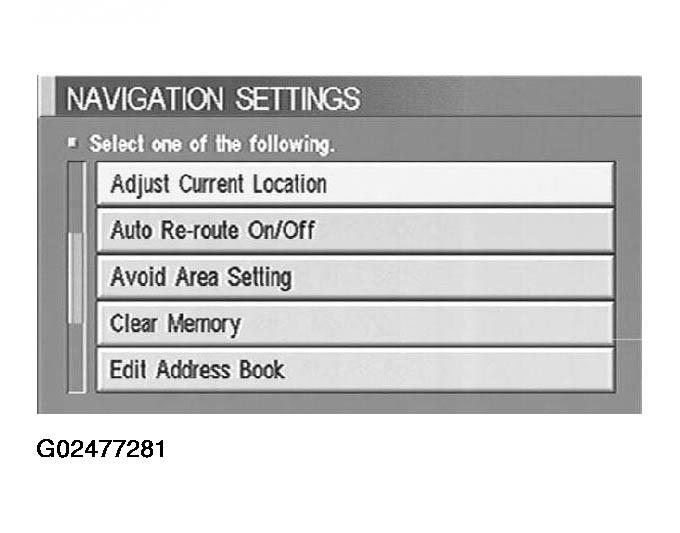
Select "NAVIGATION".
Fig 1: NAVIGATION SETTING - Display
Courtesy of NISSAN MOTOR CO., U.S.A.
 Courtesy of NISSAN MOTOR CO., U.S.A.