Mike's Workshop Manuals
: Service manuals for every vehicle
Home
>>
Hyundai
>>
2013
>>
Azera
>>
Repair and Diagnosis (Single Page)
>>
Accessories & Equipment
>>
Anti-Theft Systems
>>
Smart Key System
>>
Smart Key System
>>
Repair Procedures
>>
Inspection
>>
FOB Status Check
FOB Status Check
Connect the cable of GDS to the data link connector in driver side crash pad lower panel.
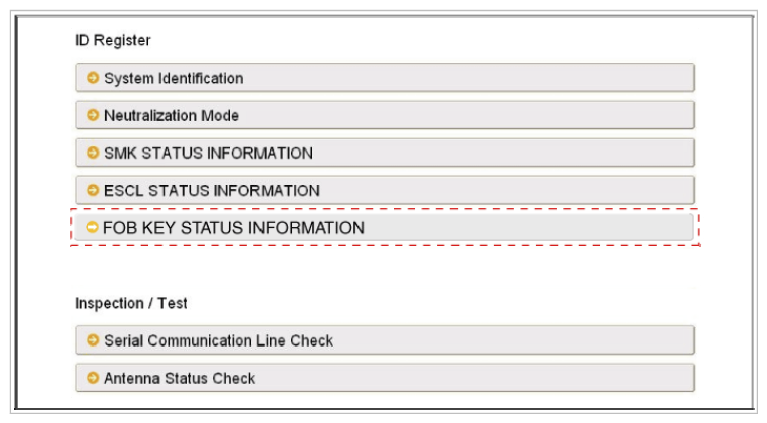
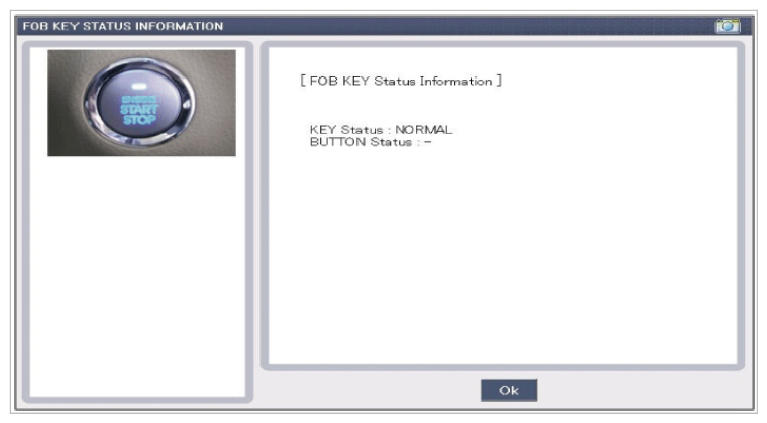
After IGN ON, select the "FOB KEY STATUS INFO".
Fig 1: Display - Fob Key Status Information
Courtesy of HYUNDAI MOTOR AMERICA
Fig 2: Display - Fob Key Status Information Screen
Courtesy of HYUNDAI MOTOR AMERICA
 Courtesy of HYUNDAI MOTOR AMERICA
 Courtesy of HYUNDAI MOTOR AMERICA