Removal & Installation
- Memory Seat Module (MSM) is located under driver seat. Turn ignition switch to LOCK position. Disconnect seat belt harness connector from body wiring harness. Disconnect power seat connector from harness body wiring harness (6-way power seat only). Disconnect both seat back and seat cushion heated seat element connectors from harness. Remove front seat nuts. Remove front seat from vehicle.
- Disconnect MSM harness connectors. See Fig 1
. Using a flat-bladed tool, gently pry MSM from bracket slots. Slide MSM toward rear of seat to remove. To install, reverse removal procedure. Tighten front seat nuts to 30 ft. lbs. (40 N.m).
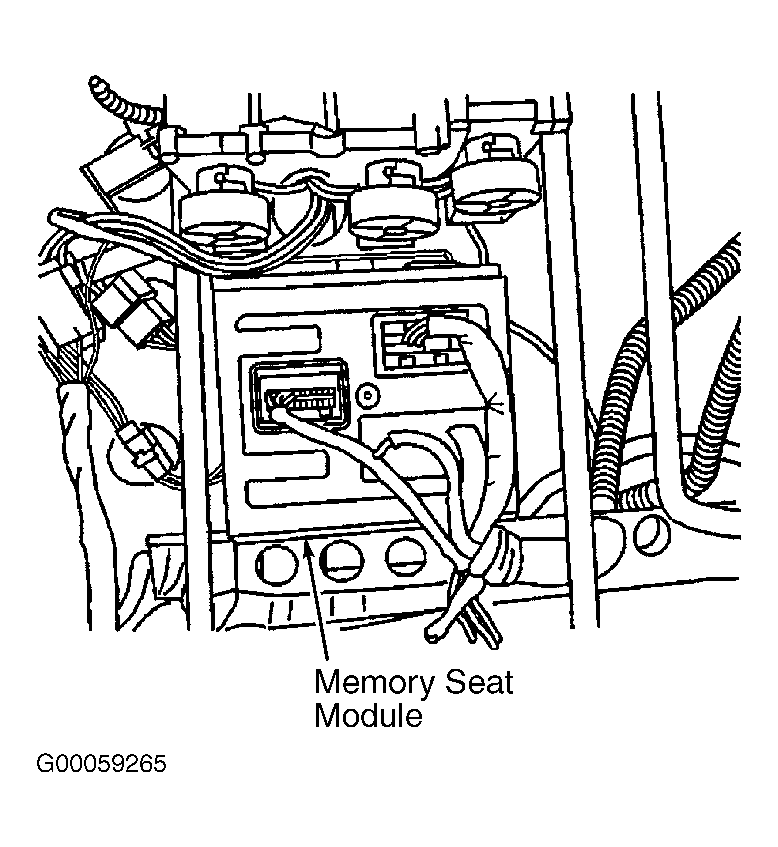 Courtesy of GENERAL MOTORS CORP.